
Video tutorials
Shopify size chart video tutorials
29 short videos showing how to add, design and place size charts on your Shopify store with Jotly. Most take under a minute.
 0:06
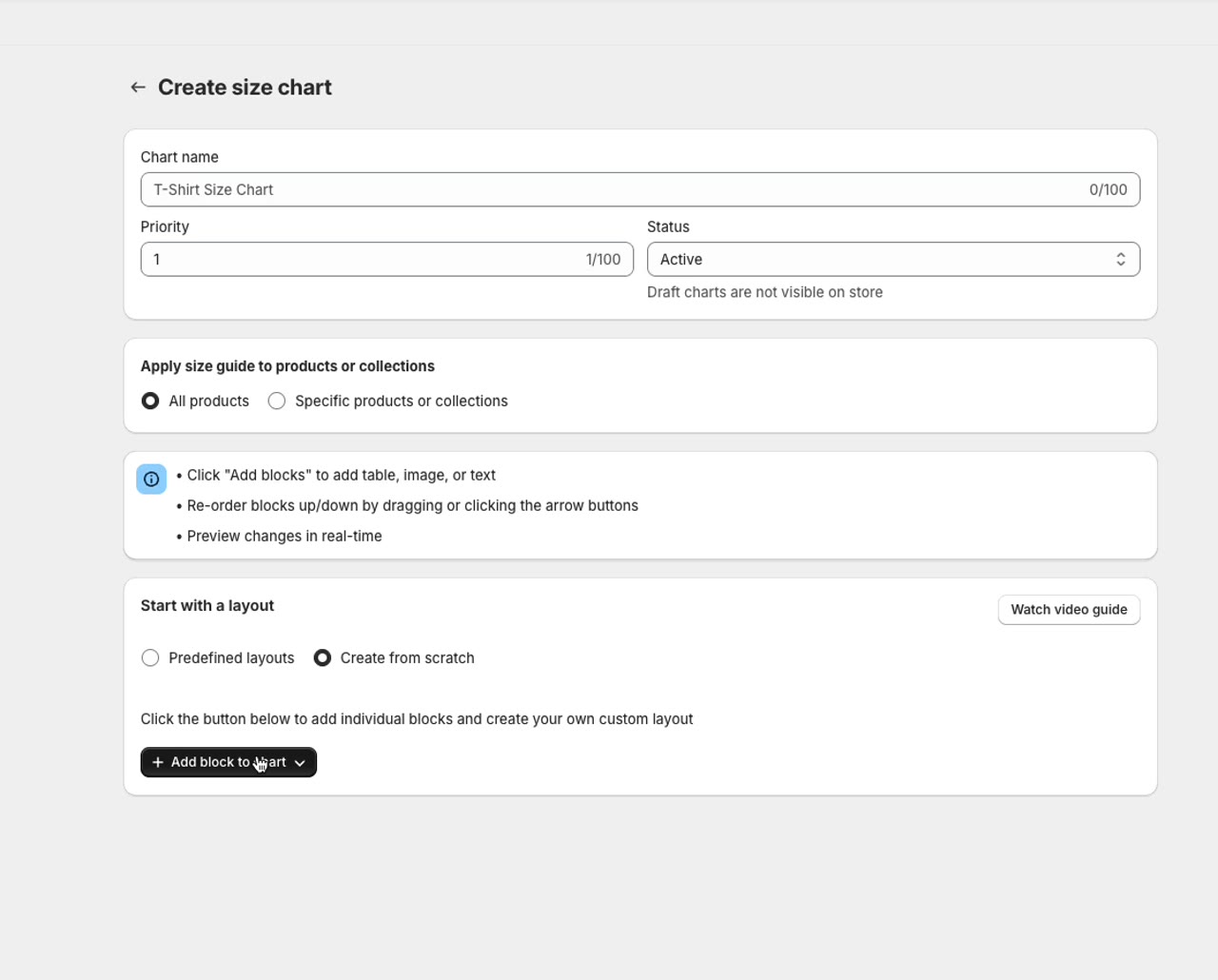
0:06How to add tabs to a size chart
 0:09
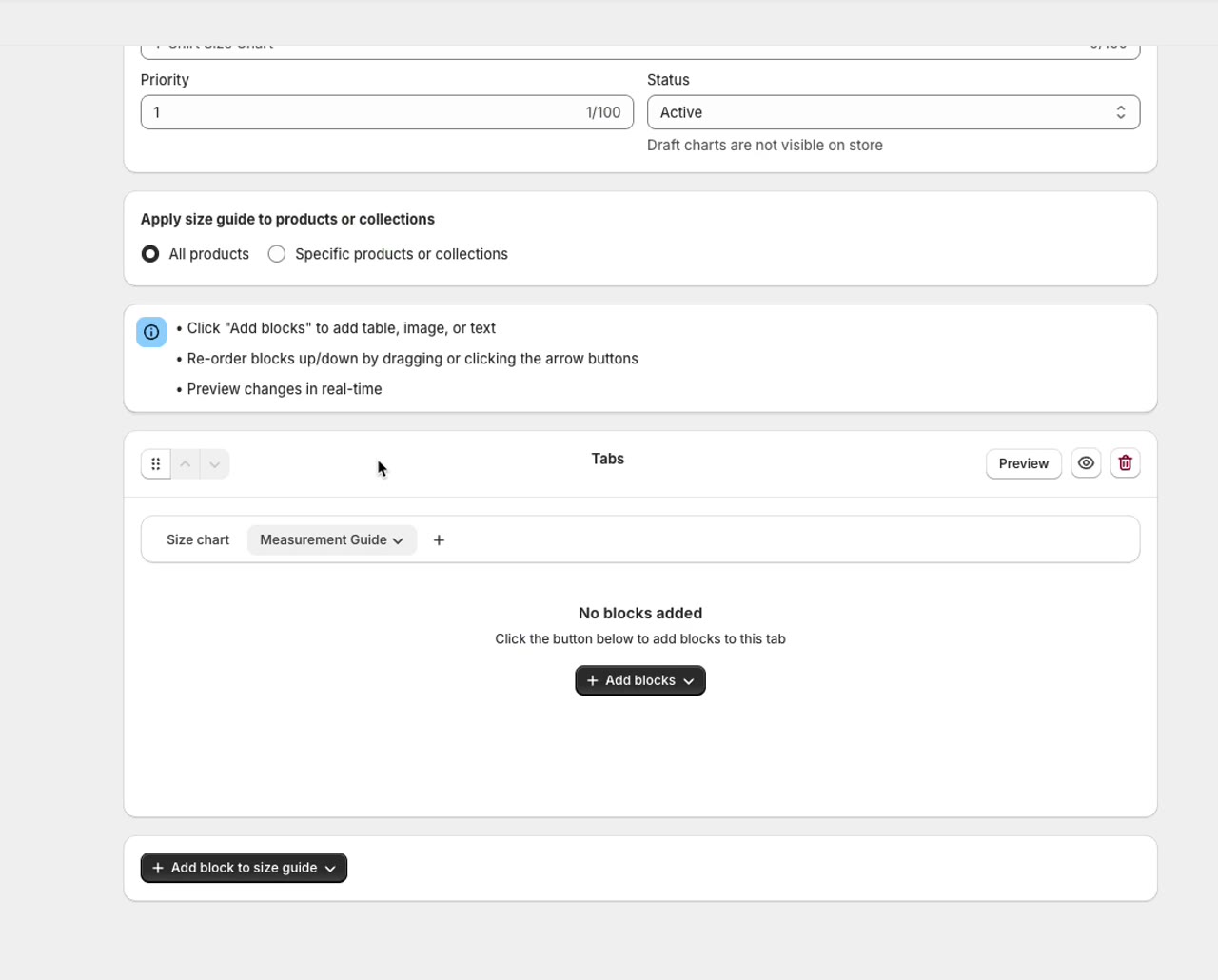
0:09How to remove a tab from a size chart
 0:13
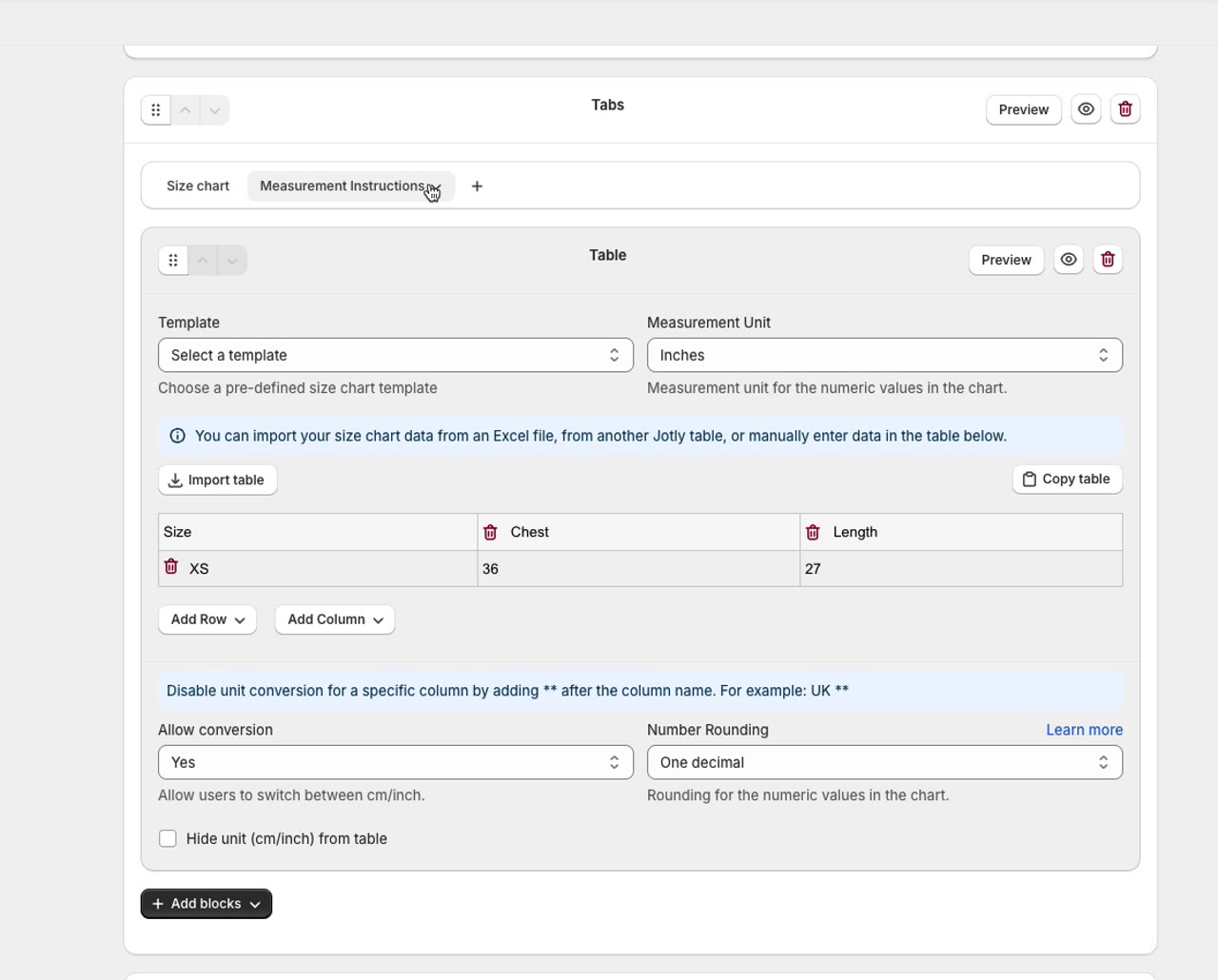
0:13How to rename a tab in a size chart
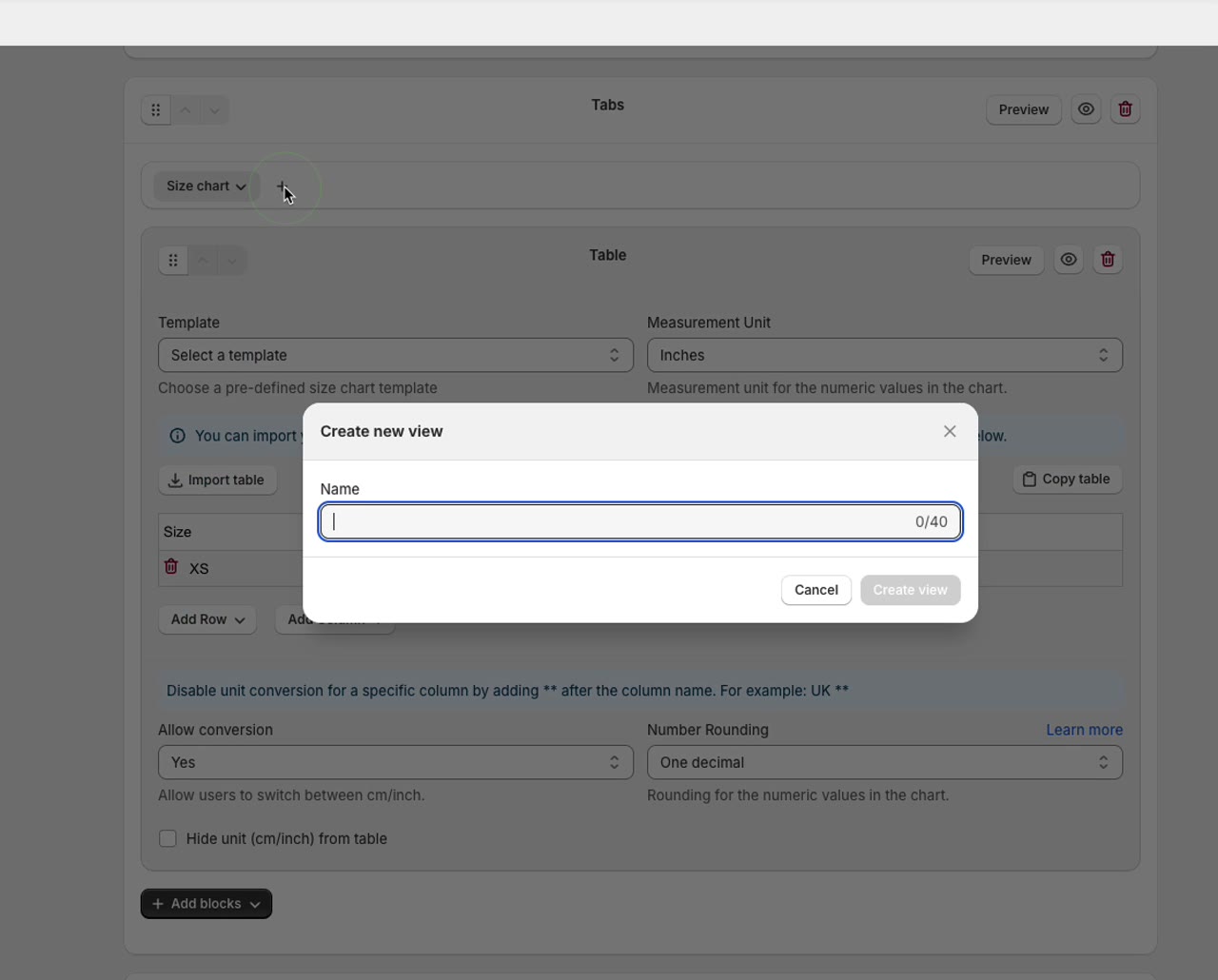 0:12
0:12How to add a new tab to a size chart
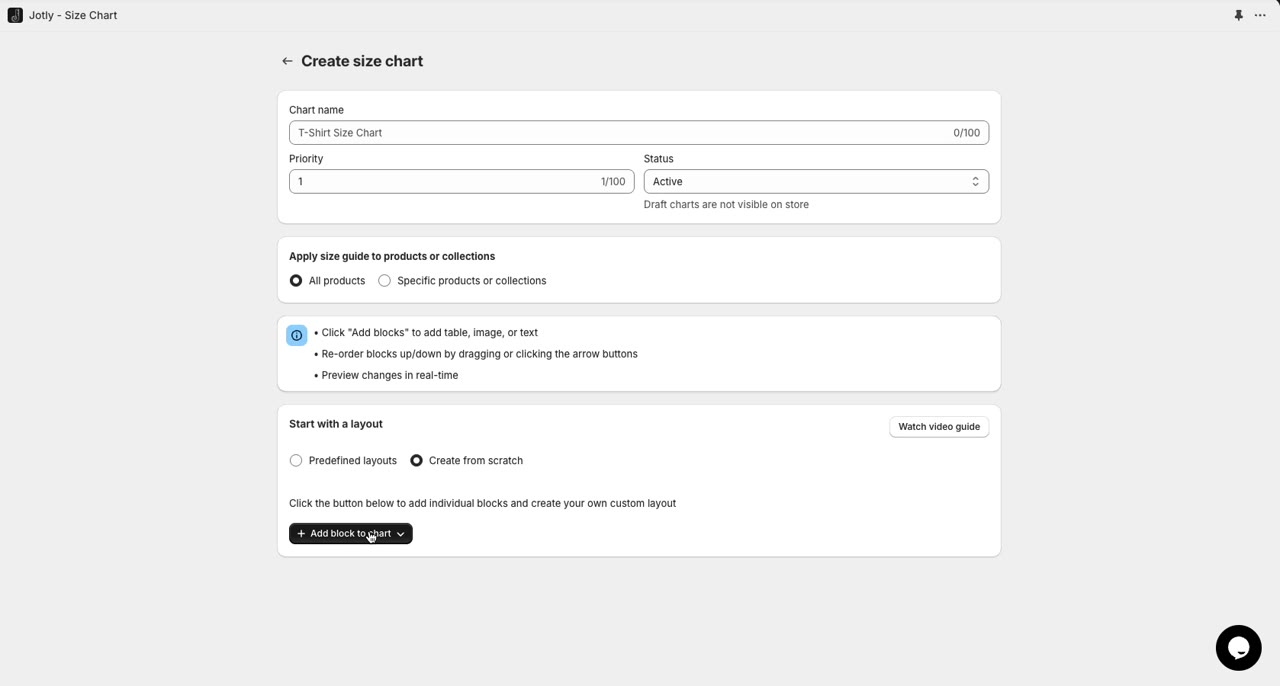 1:21
1:21How to add, remove and reorder blocks inside tabs
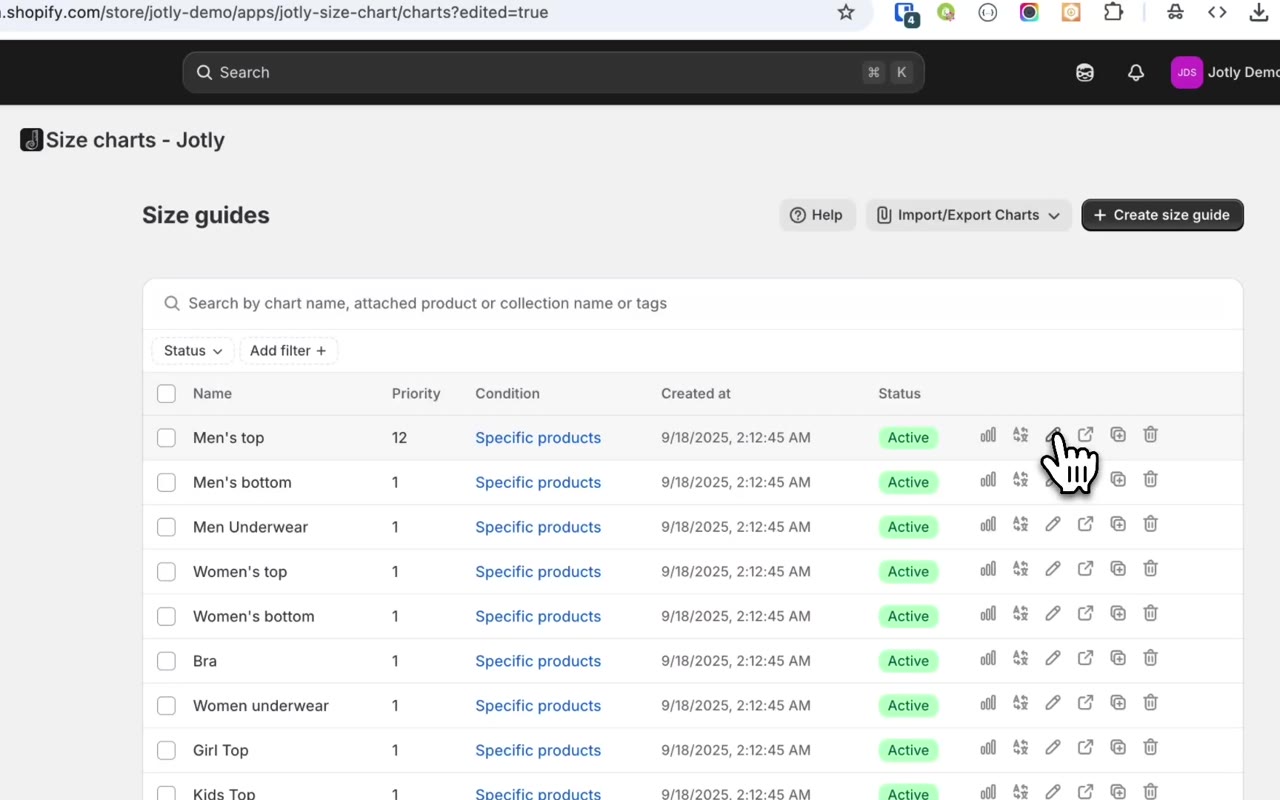 0:24
0:24How to turn off unit conversion for one row or column
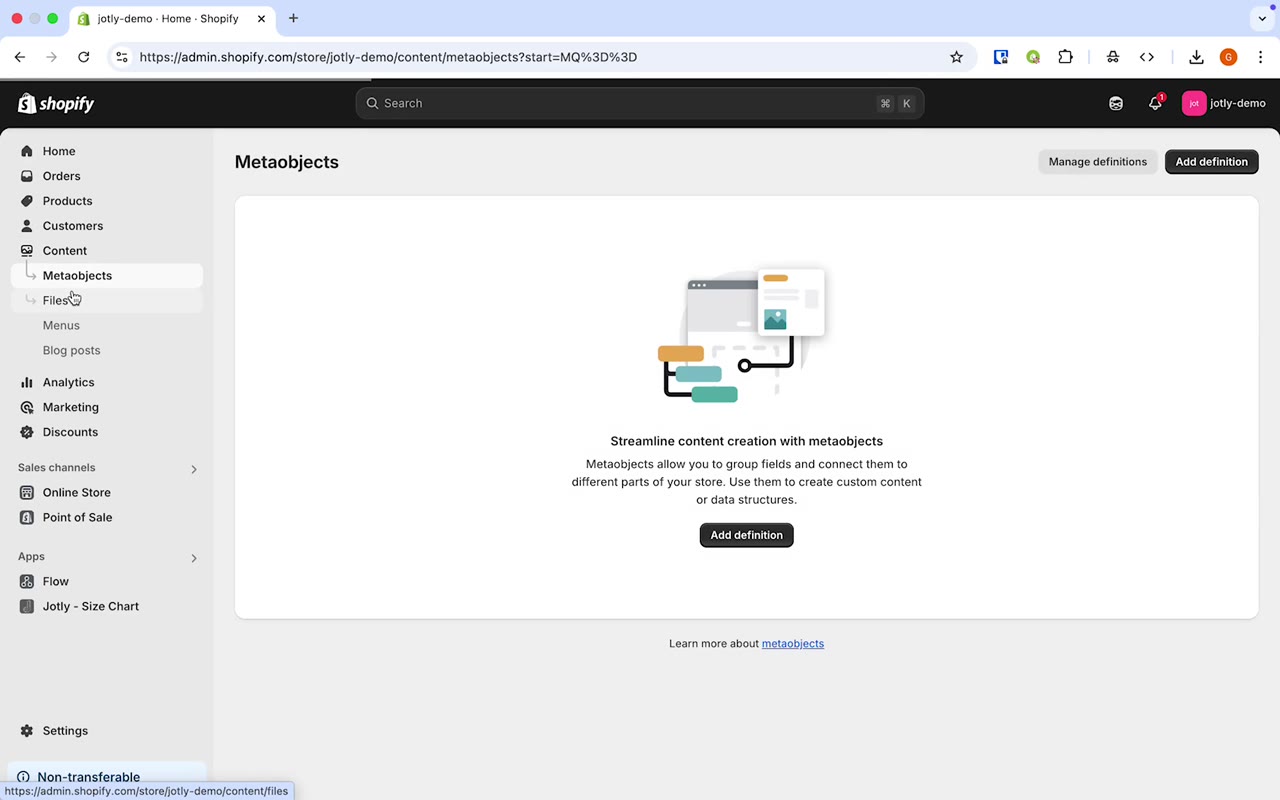 0:51
0:51How to add images to a size chart
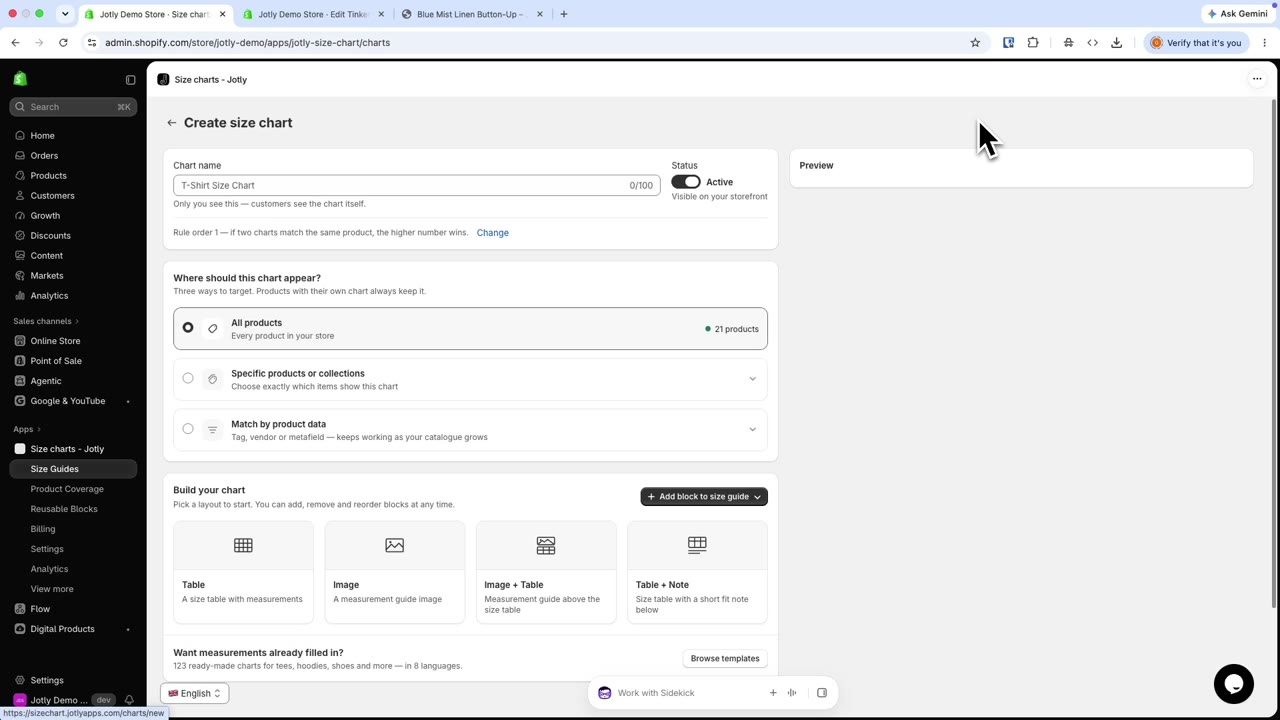 2:04
2:04How to add a fit scale bar to a size chart
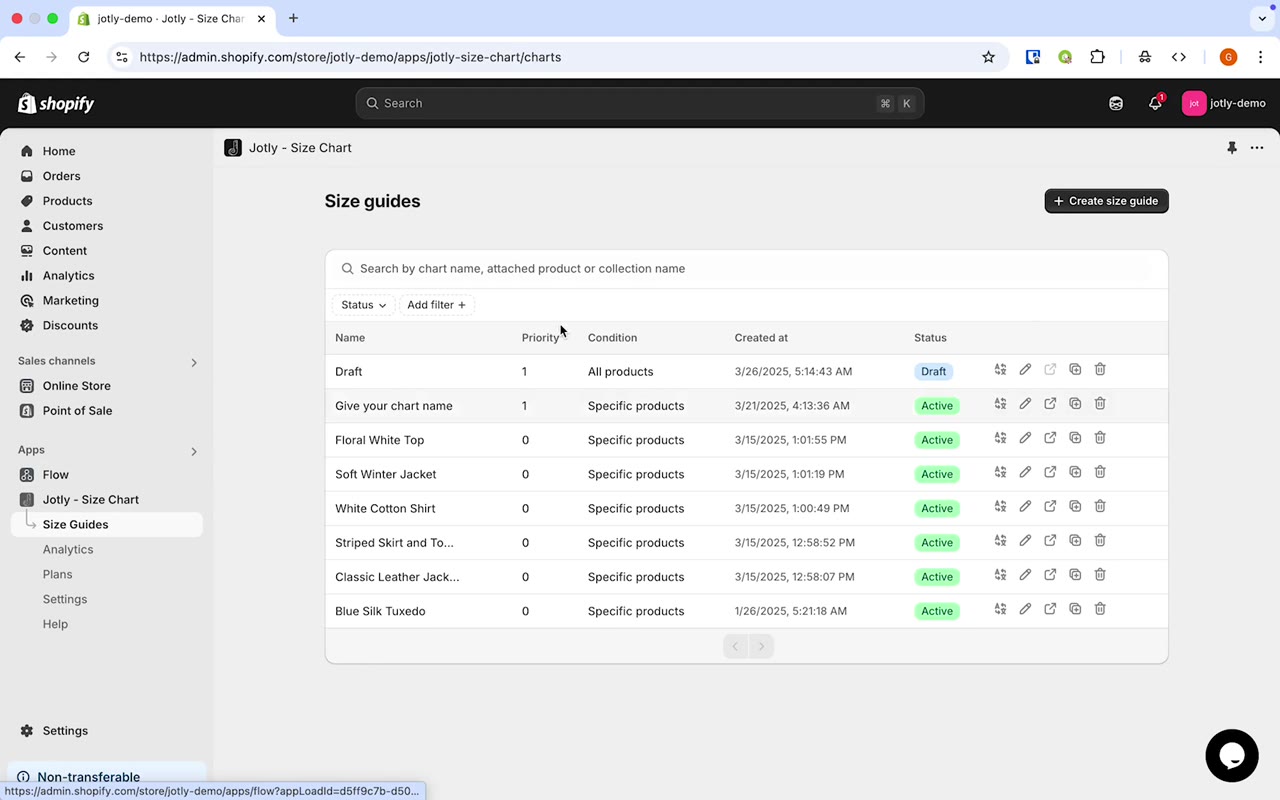 0:29
0:29How to copy a size table from one chart to another
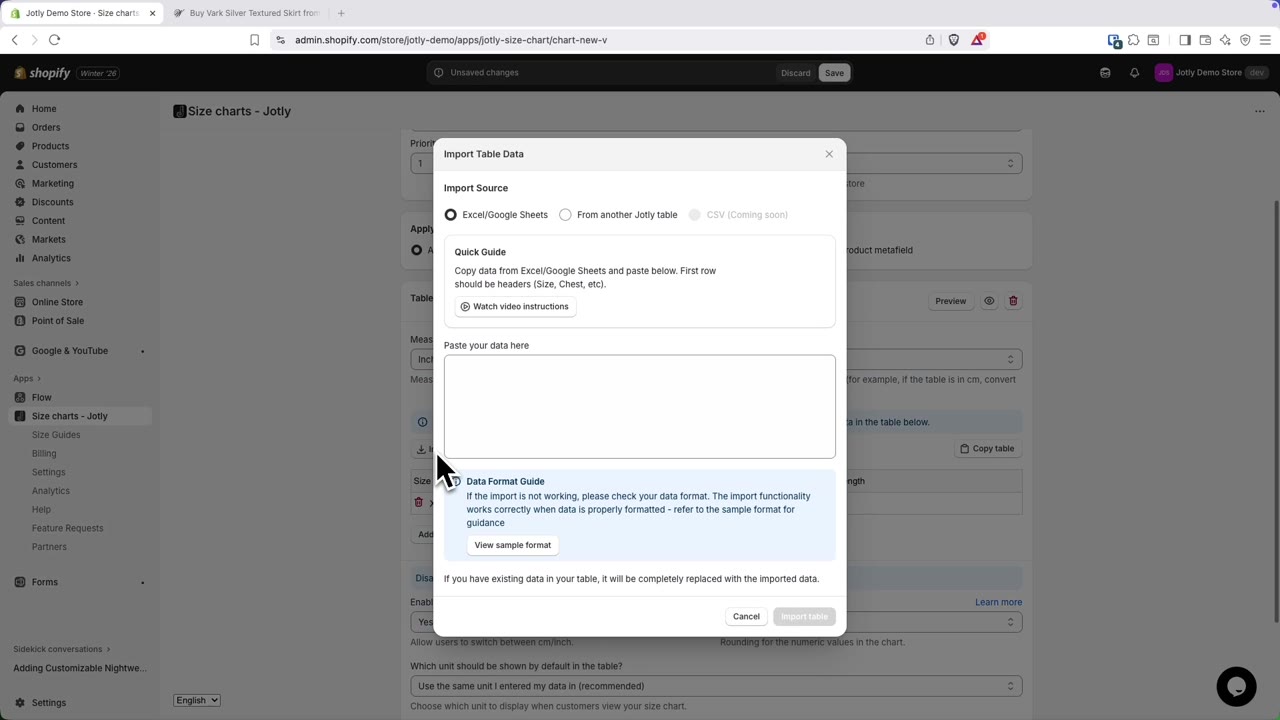 0:18
0:18How to create a size chart in Jotly
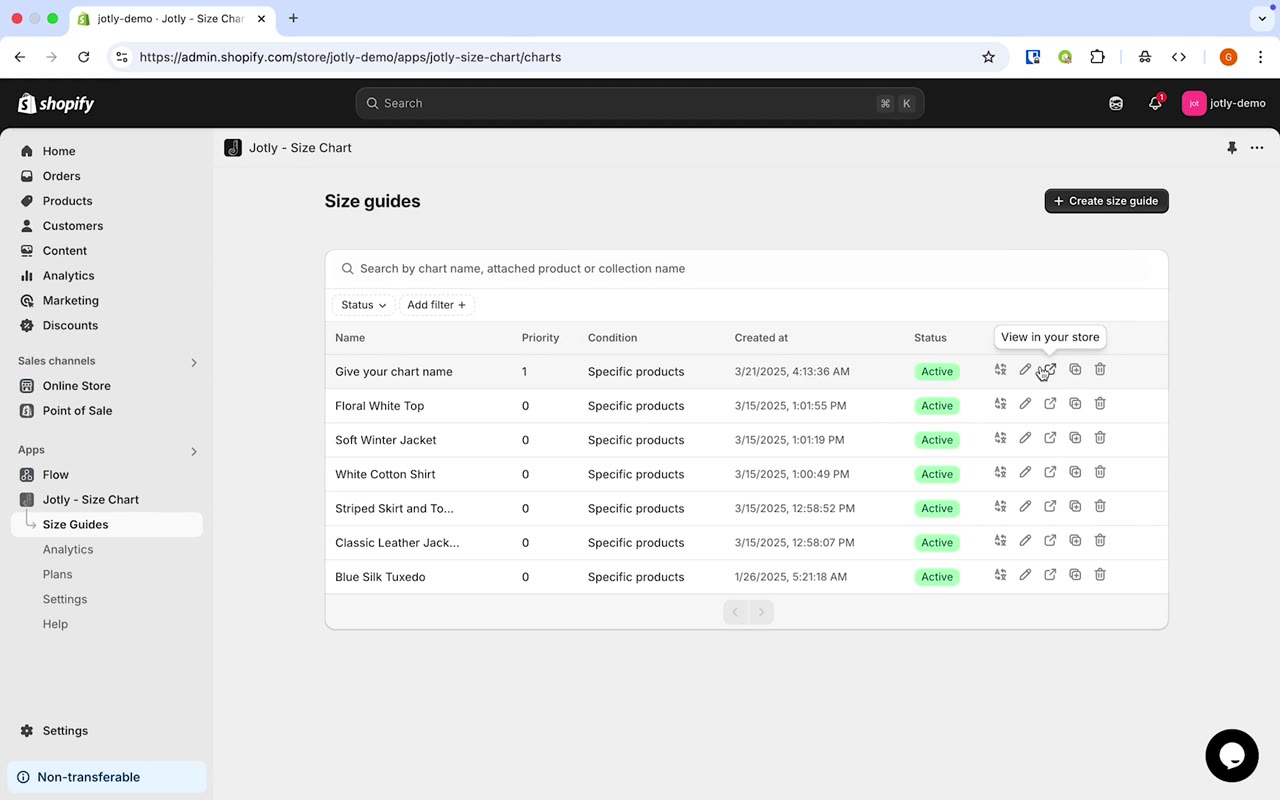 0:16
0:16How to turn cm/inch conversion on or off
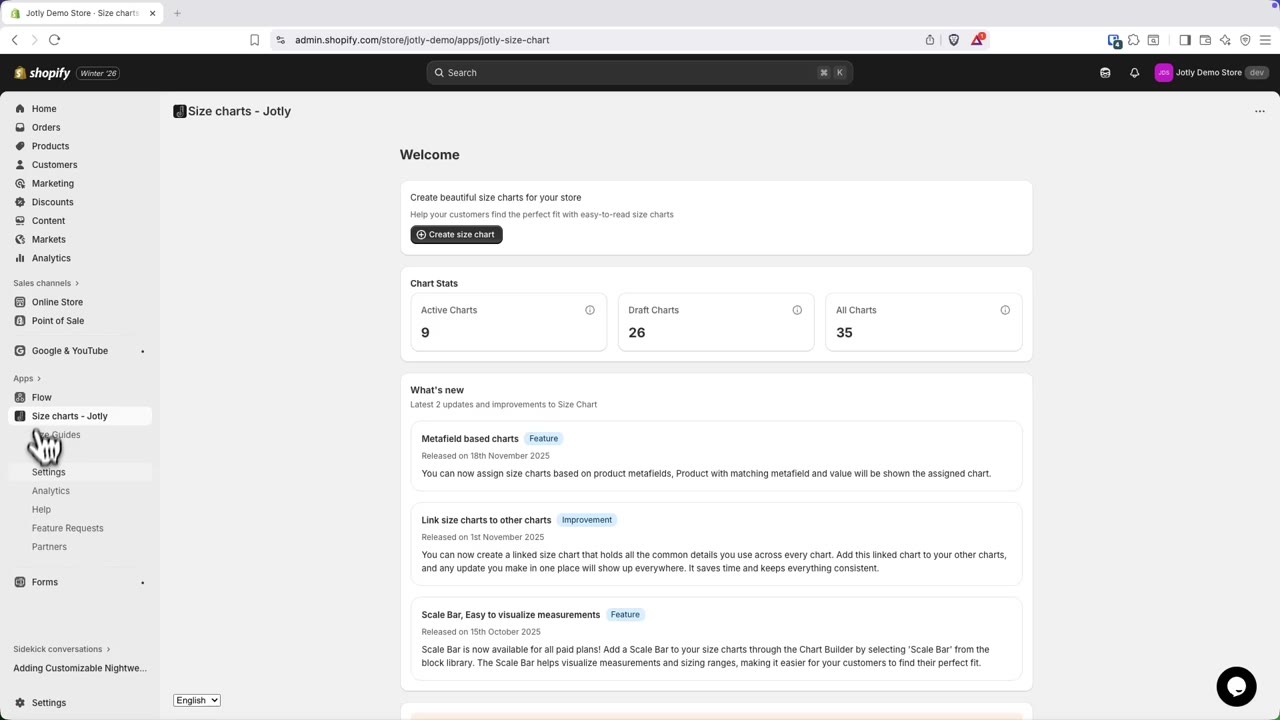 1:10
1:10How to turn on Jotly in your Shopify theme
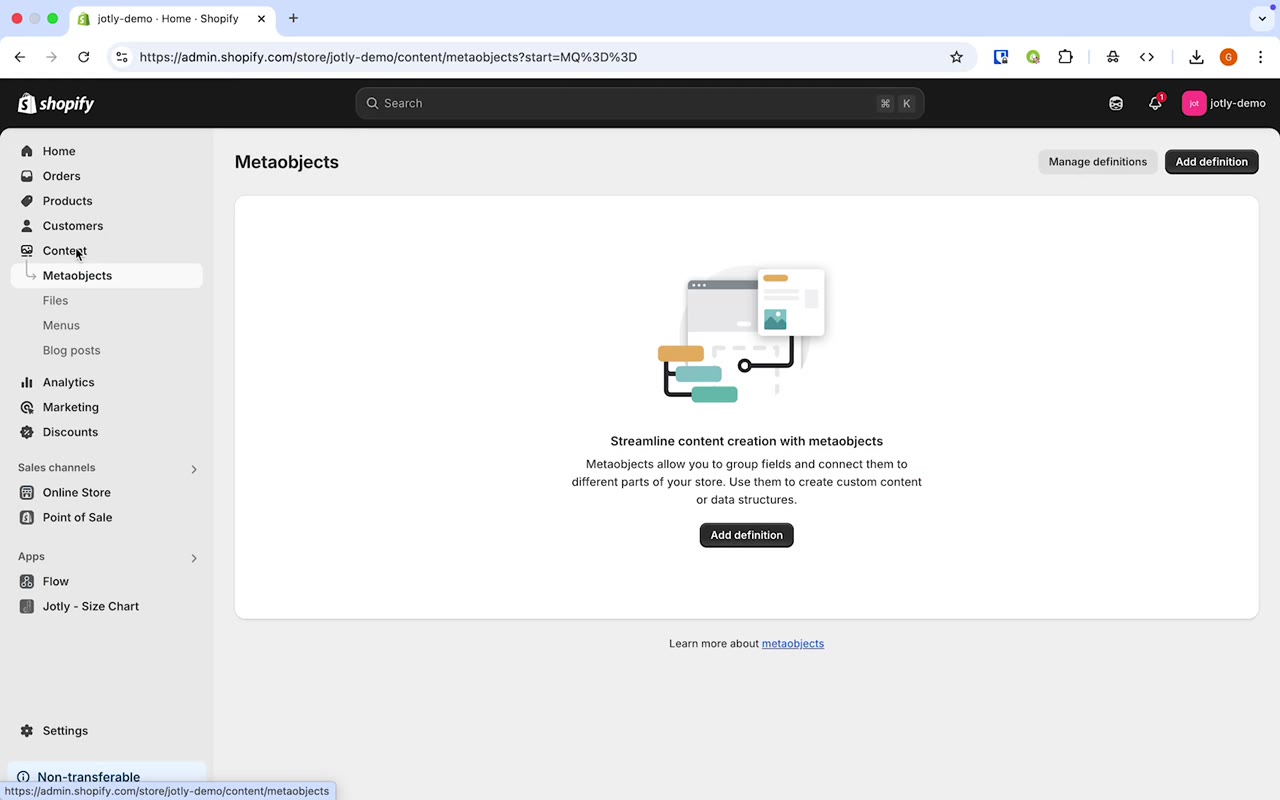 0:31
0:31How to upload an image to Shopify for your size chart
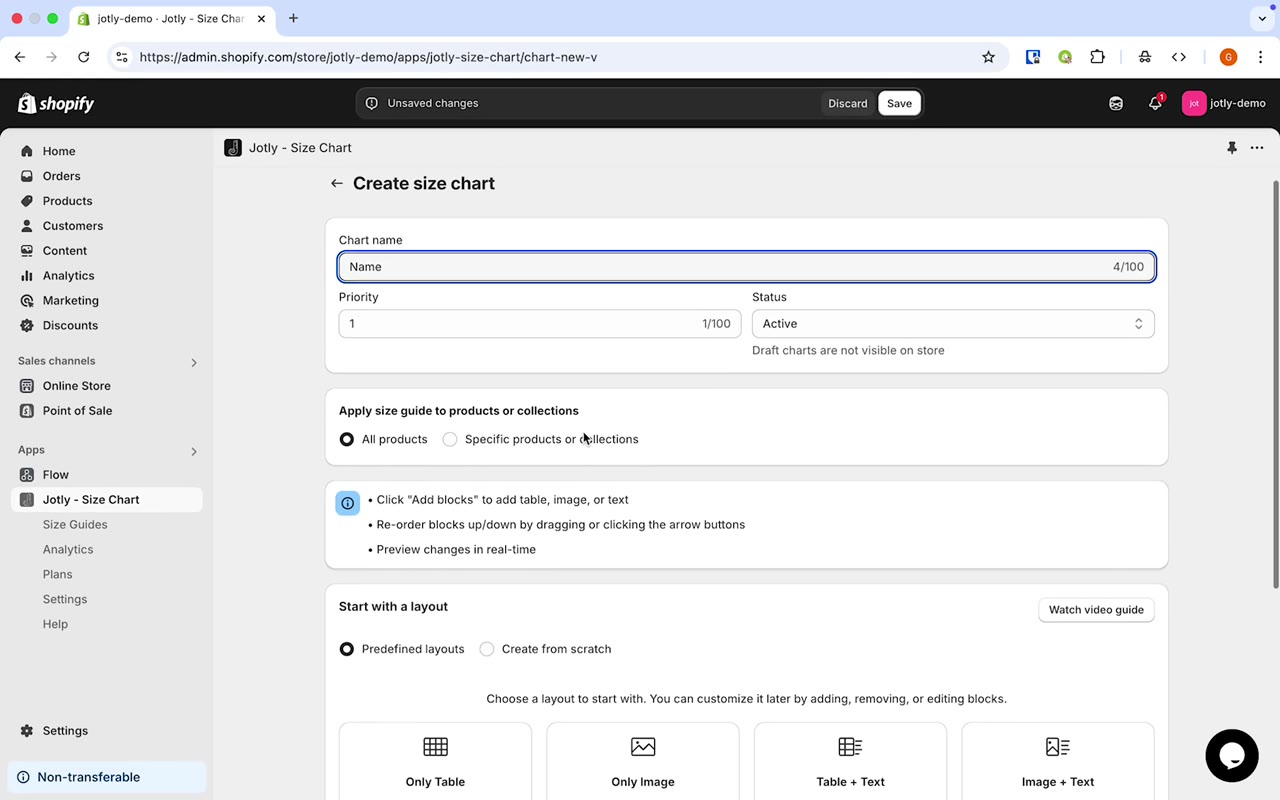 0:39
0:39How to import a size chart from Excel or Google Sheets
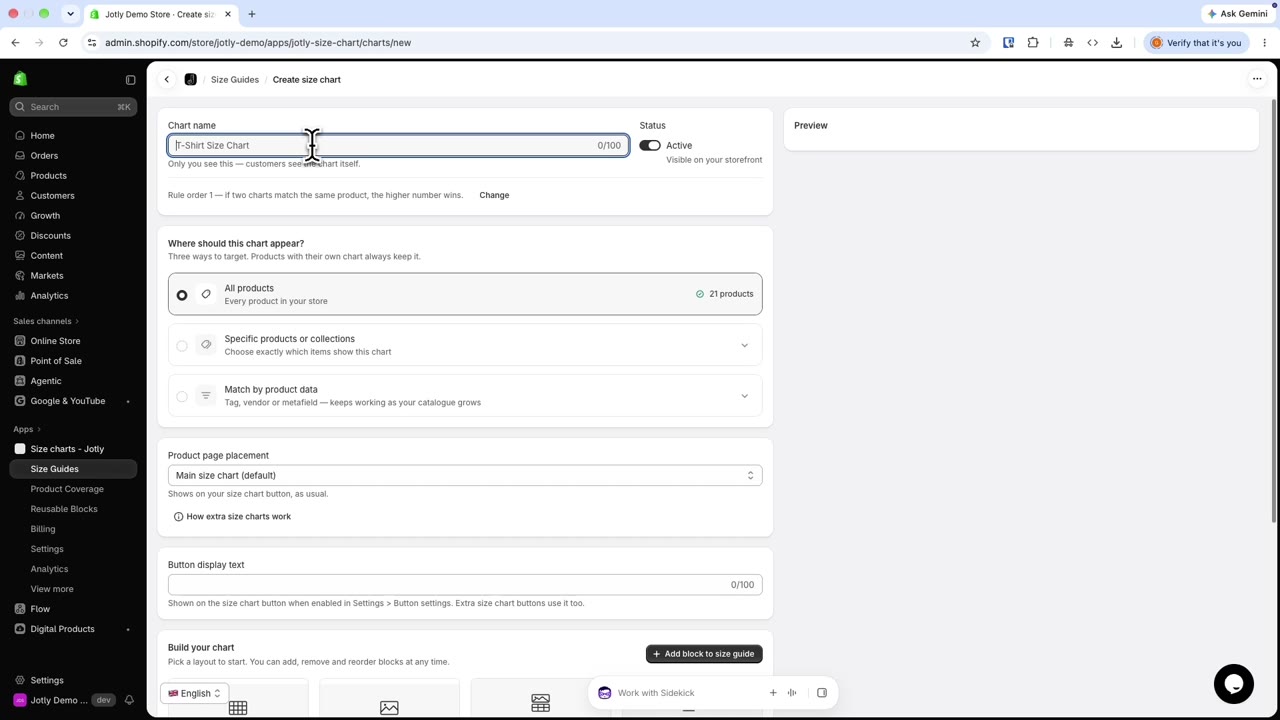 2:43
2:43How to show more than one size chart on a Shopify product page
 1:17
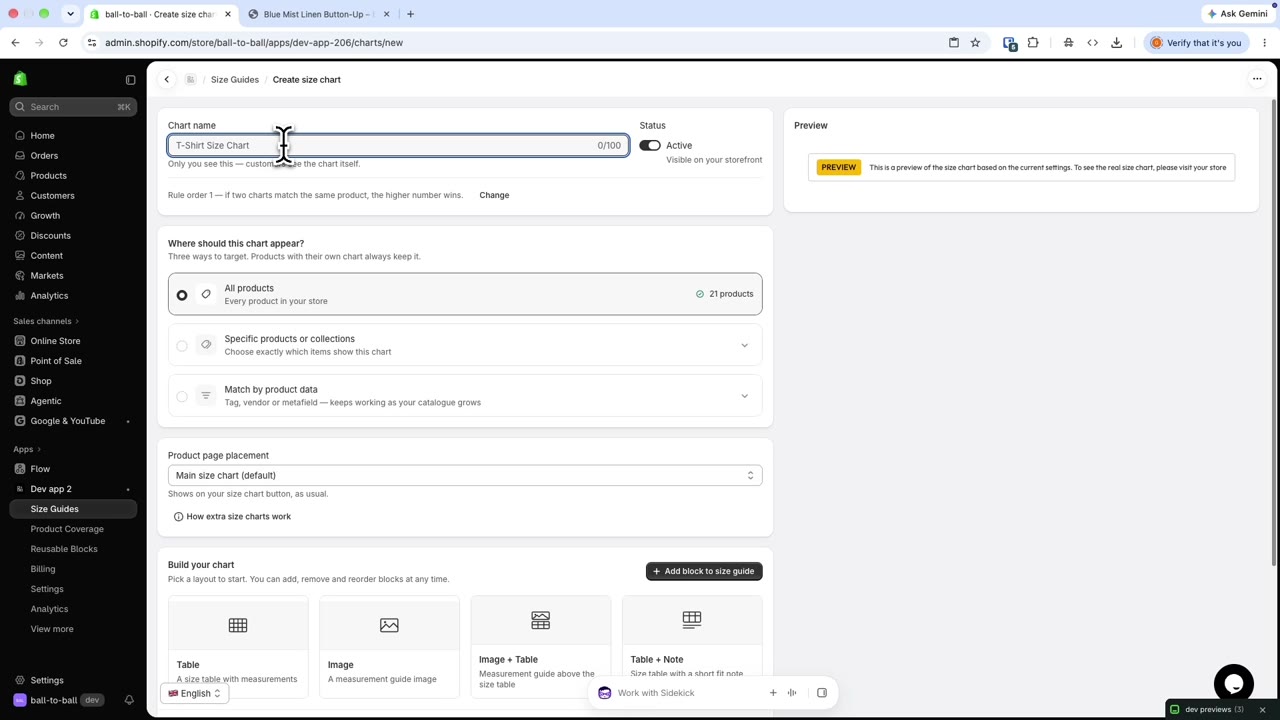
1:17How to show product-specific content in one size chart
 0:12
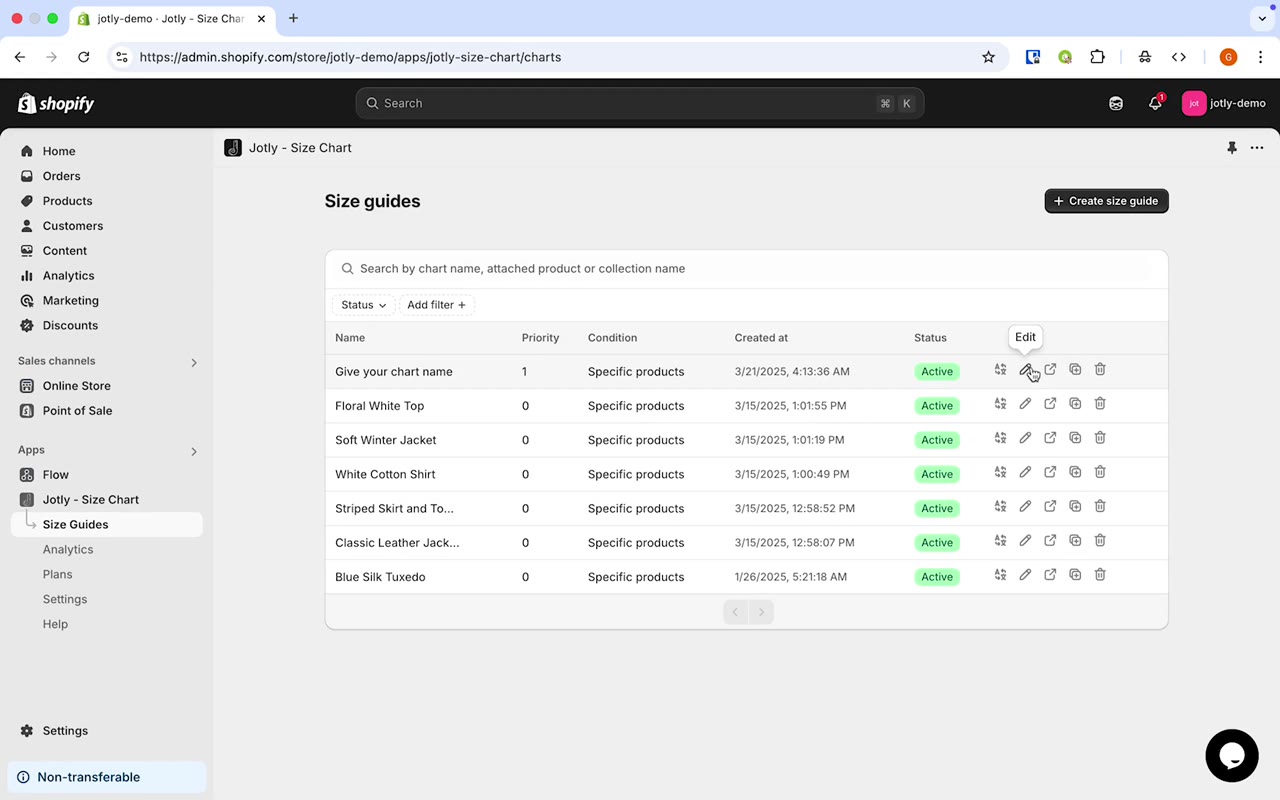
0:12How to hide cm/inch from the size table
 0:53
0:53How to show size charts based on product metafields
 1:00
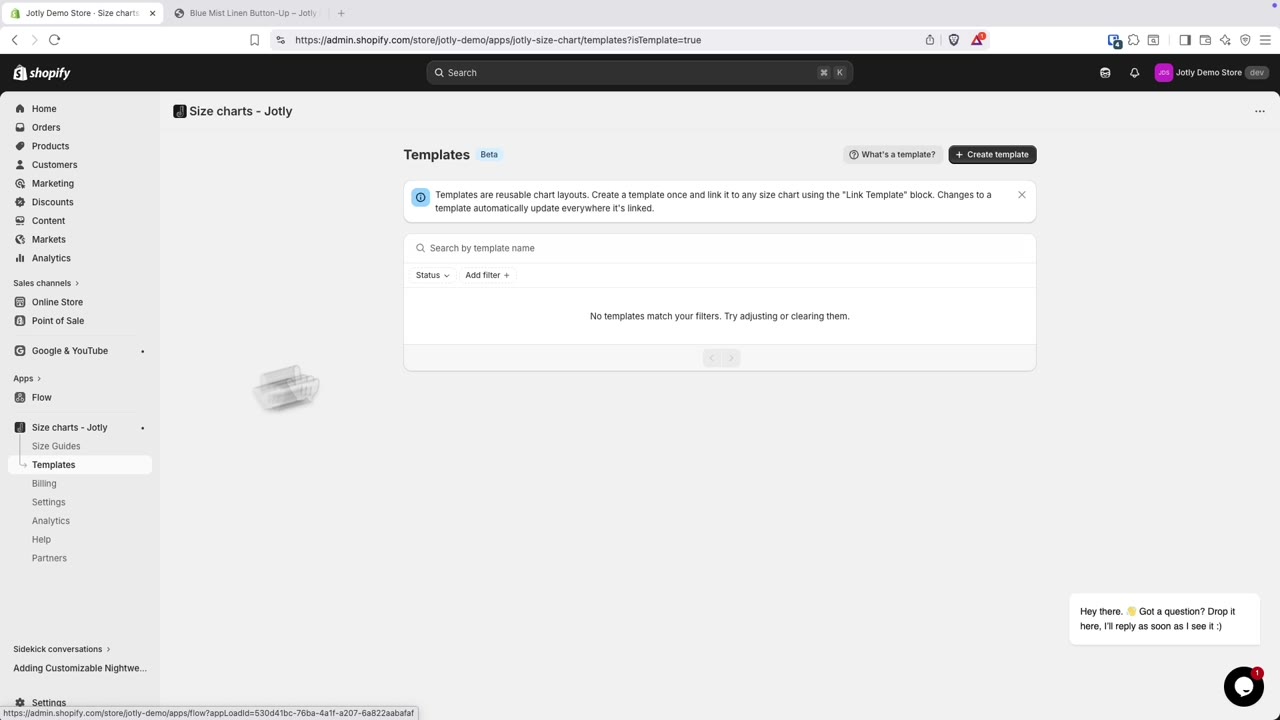
1:00How to use reusable blocks across size charts
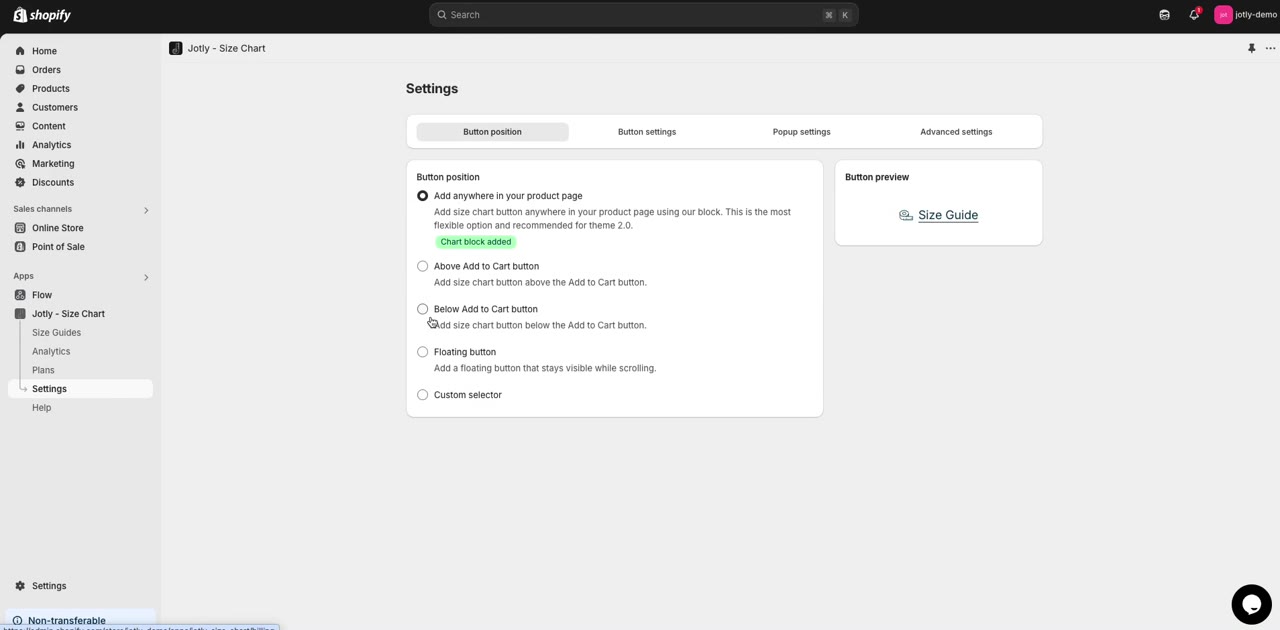 0:08
0:08How to show the size chart button above Add to cart on Shopify
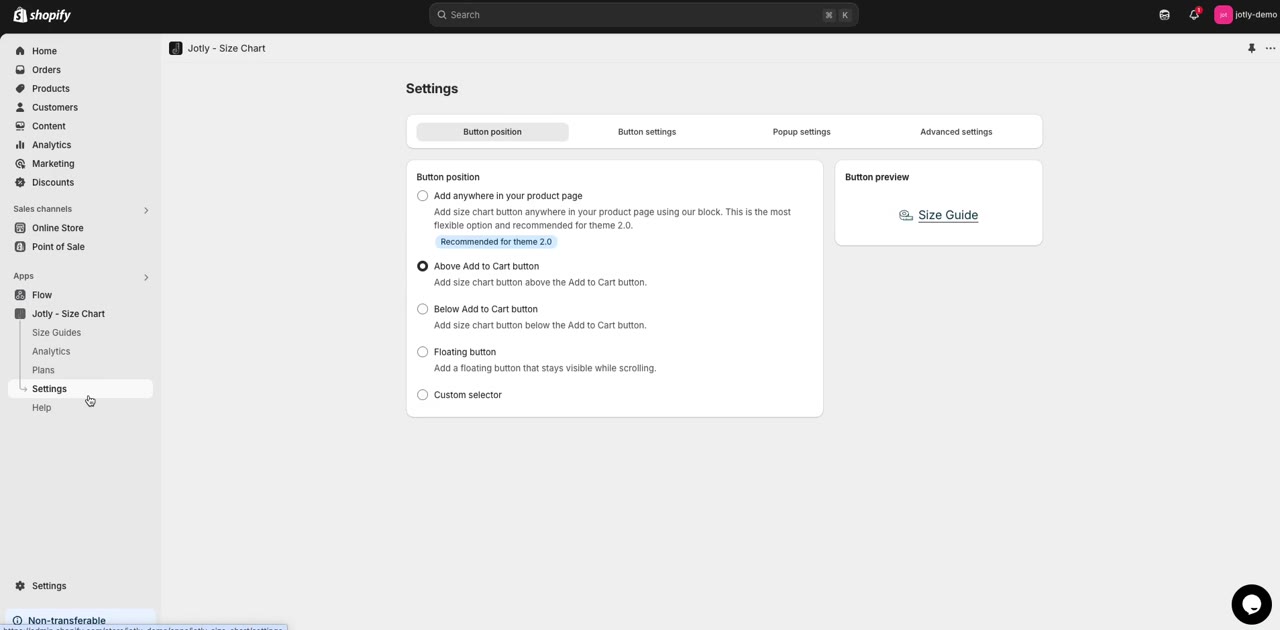 0:09
0:09How to show the size chart button below Add to cart on Shopify
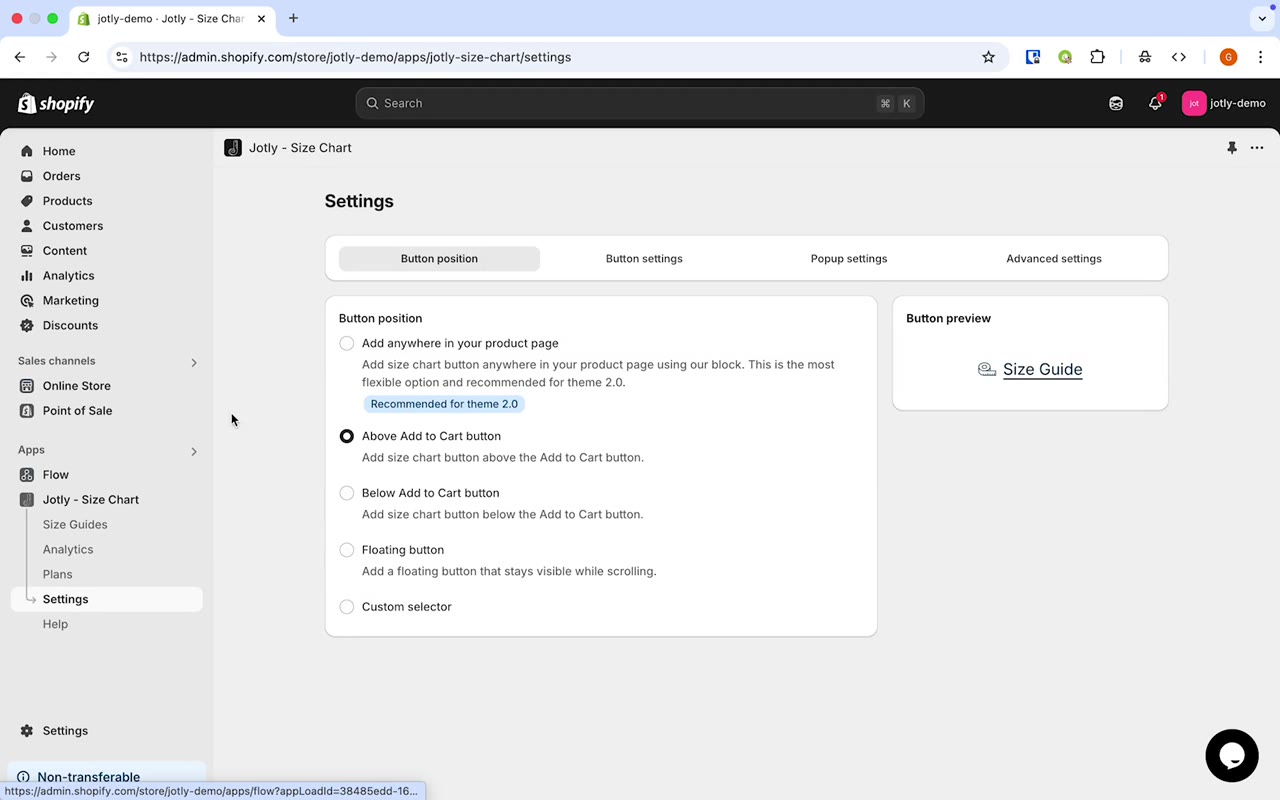 0:36
0:36How to place the size chart button anywhere on a Shopify product page
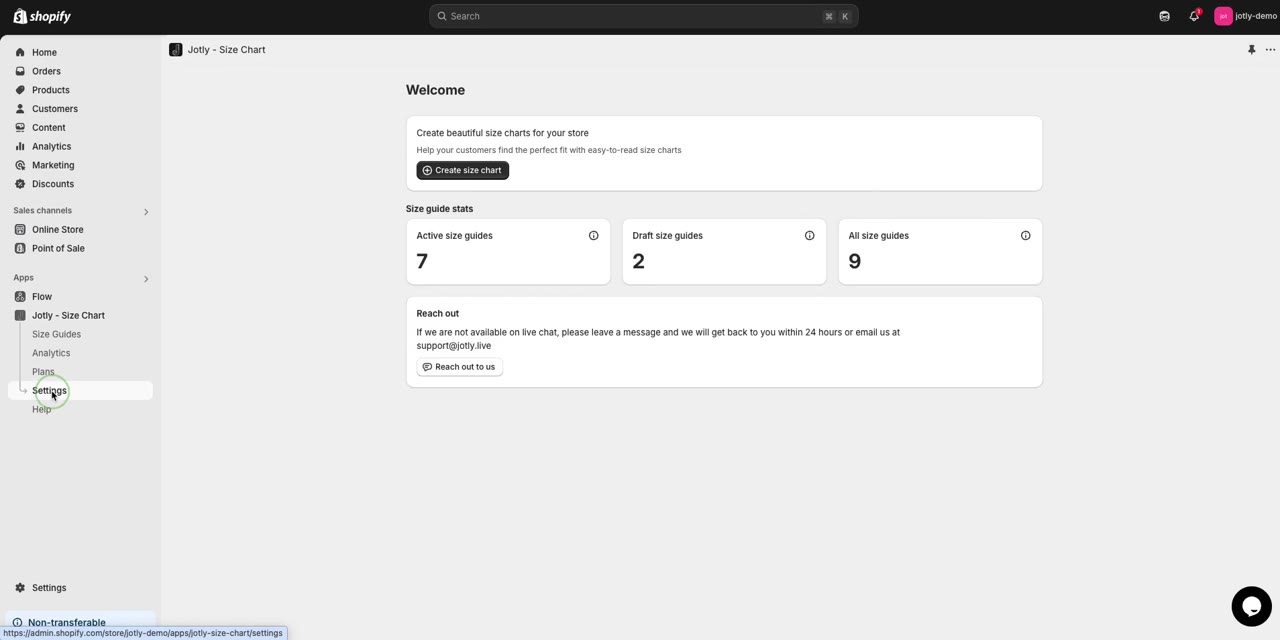 0:20
0:20How to set a custom position for the size chart button
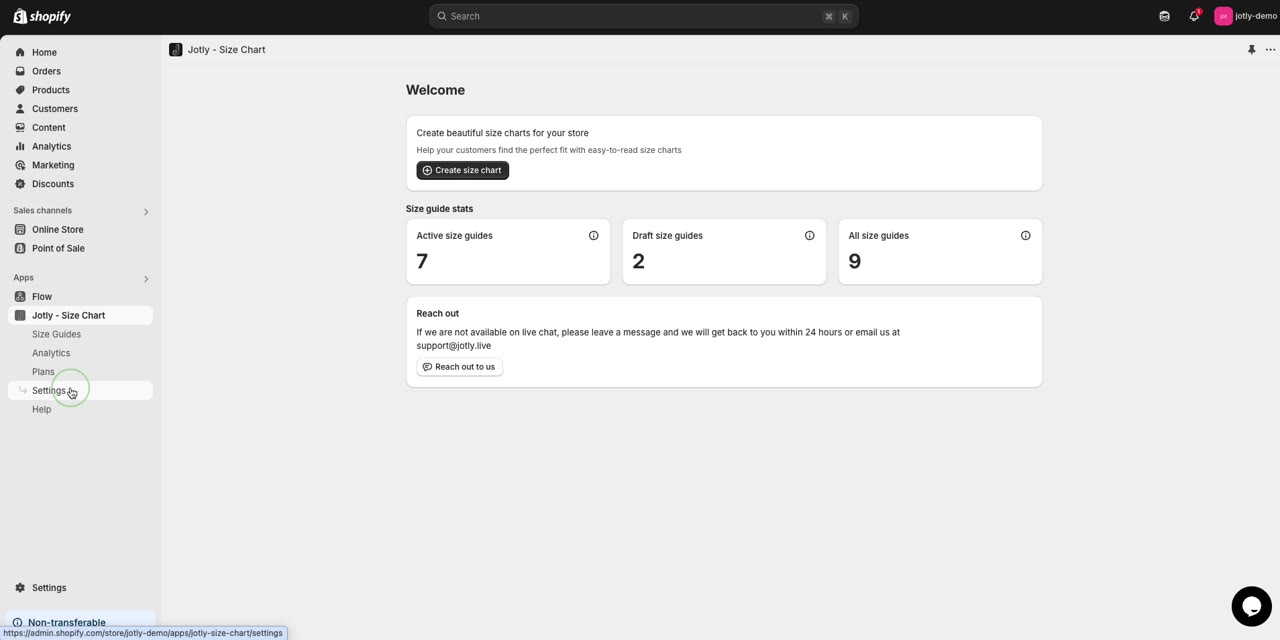 0:08
0:08How to add a floating size chart button to Shopify
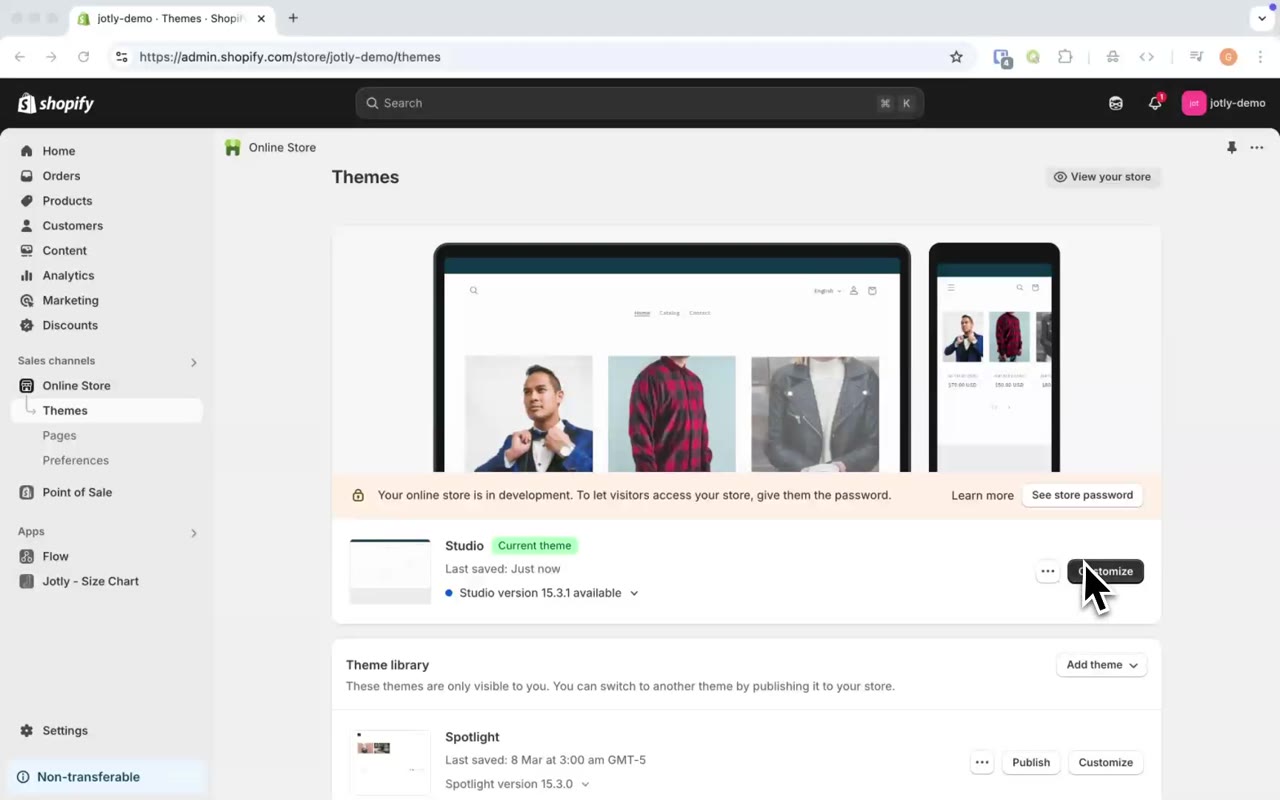
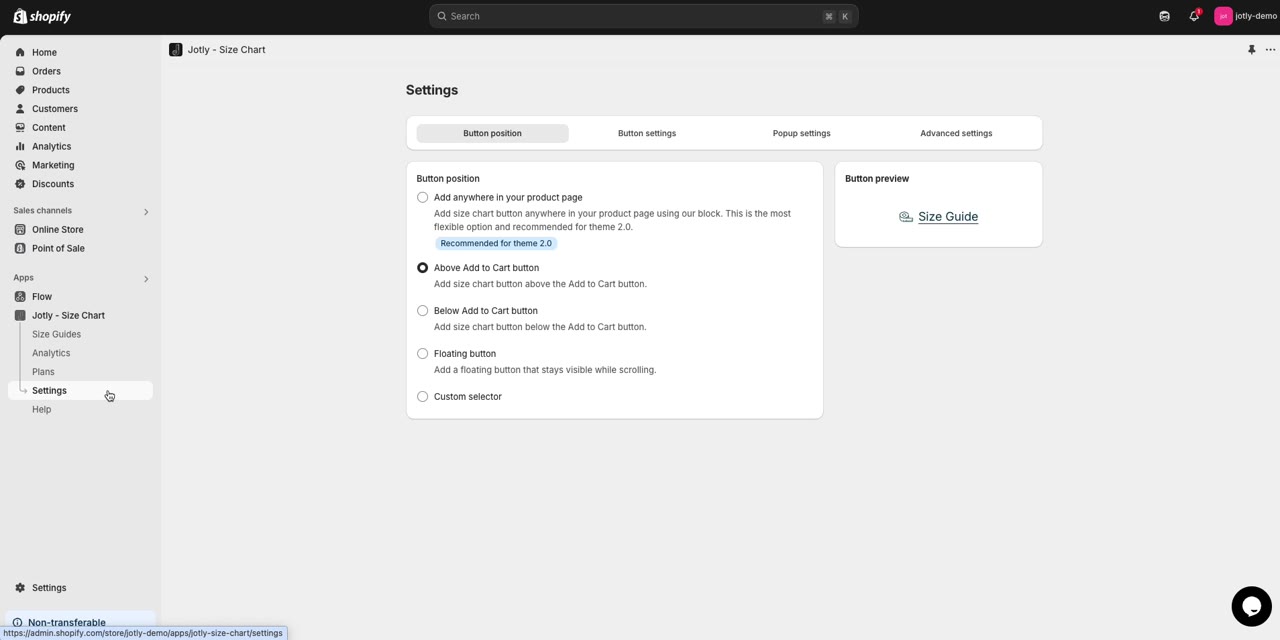
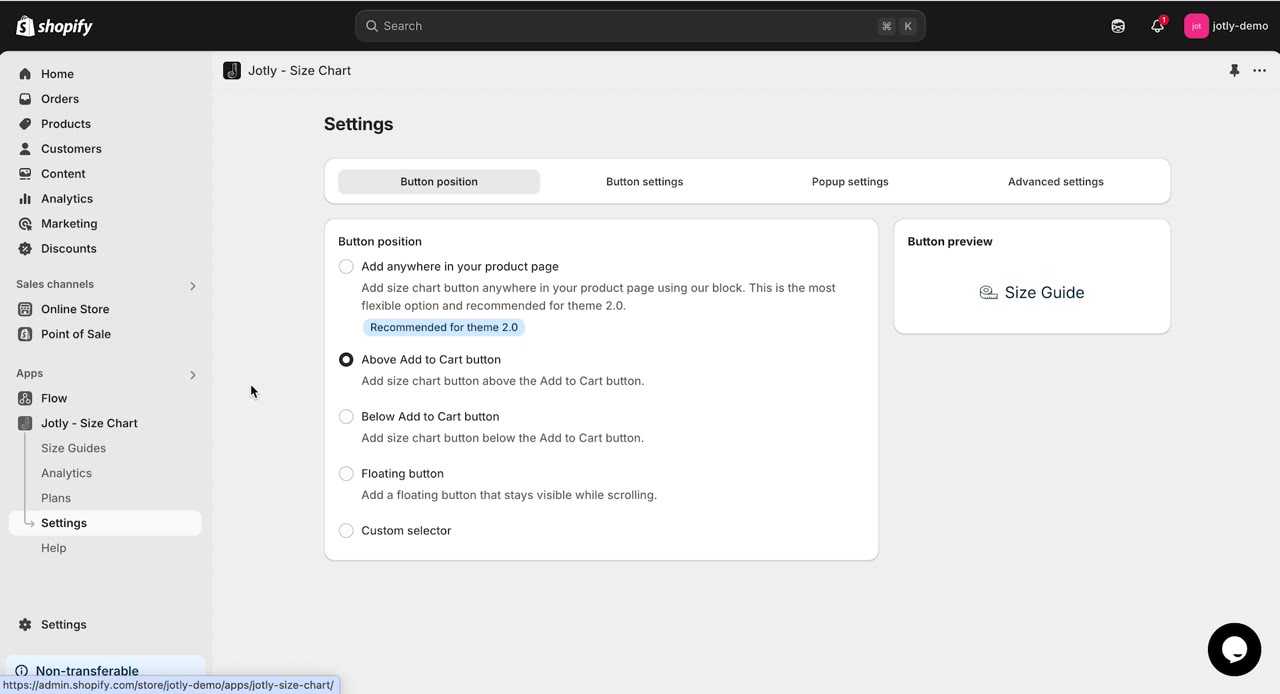
Add a size chart to your Shopify store
Free plan, no card needed. Paid plans include a 7-day free trial.